Mark from the keyboard
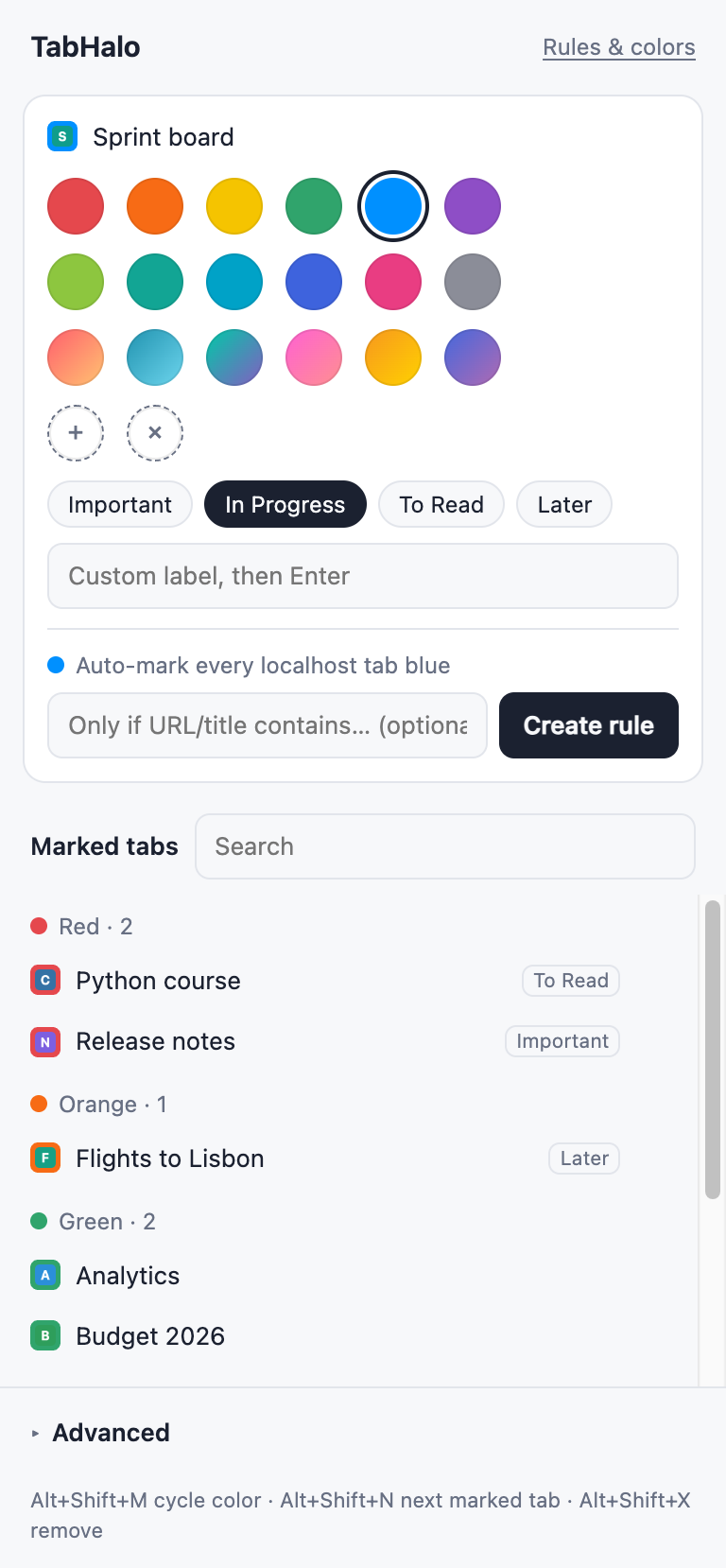
Alt+Shift+M cycles the current tab through your colors. Alt+Shift+X removes the mark. No menus.
TabHalo marks individual tabs with a color, a symbol or a label, without grouping or moving them, so the ones you need stand out among dozens.
No account. No tracking.
Which one was the invoice?
The invoice is the red one.
A pretend tab bar. The mark shows on the icon and at the start of the title, the way TabHalo shows it in Chrome.
Top row is in Free. Gradients and the rest come with Pro.
Alt+Shift+M cycles the current tab through your colors. Alt+Shift+X removes the mark. No menus.
Alt+Shift+N jumps to the next tab with the same color, or to the next marked tab if you're on an unmarked one.
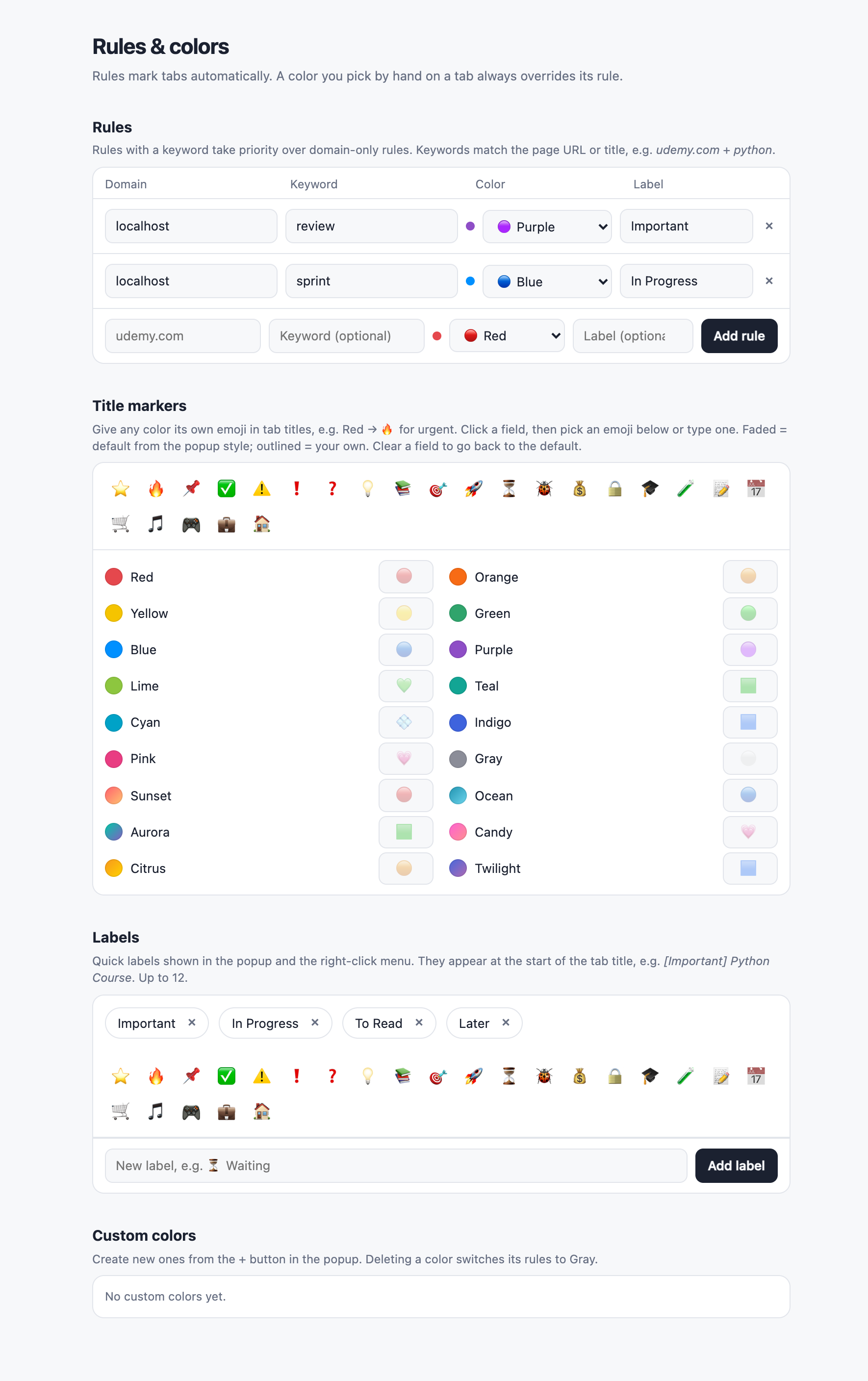
Labels go before the title, so they stay visible when the title is long. Keep up to 12 quick labels in the popup and the right-click menu.
Pair a site with an optional keyword from the URL or title, and matching tabs get the color and label on their own. A color you pick by hand always wins.
Color behind the icon, a tinted icon, a small badge, or a symbol in place of the icon: circle, square, diamond, star, heart or bookmark.
From Red to Twilight, plus colors you create. Give any color its own emoji in the title, like 🔥 for urgent.
| Chrome Tab Groups | TabHalo | |
|---|---|---|
| Tab order | Tabs are pulled together into a group | Tabs stay exactly where they are |
| Where the color shows | On the group's label and outline | On each tab's icon and in its title |
| One tab, one mark | A single tab needs a group of its own | Mark any single tab in one keystroke |
| Jump between marked tabs | — | Alt+Shift+N |
Marks, labels, rules and colors are saved in your browser. Nothing goes to a server.
Install it and start marking. There is nothing to sign up for.
No analytics, no ads. TabHalo does not collect what you browse.
Everything you need to mark and find tabs.
One-time payment. No subscription.
To change a tab's title and icon, Chrome requires permission on the site that tab shows. TabHalo uses it only to set the title and the icon. It does not read the content of the page.
No. TabHalo only changes two small things on a marked tab, its title and its icon. Unmarked tabs are left alone.
Edge support is coming soon.
When Chrome restores your tabs after a restart, TabHalo puts the marks back on them automatically. Tabs marked by rules are re-marked every time.